Binder
Flashcards that know when you're about to forget.
Binder shows each card right before it slips, so you review less and remember more. One window, one Settings page, nothing you have to tune. Open your existing deck files and press Study.


How it decides what you see
Binder schedules cards with FSRS, a modern memory model. In plain terms:
- It learns how you remember. Every answer you give updates its guess of how well you know that card.
- It waits until you're about to forget. A card comes back when your odds of recalling it drop to 90% (you can change the target). Not sooner, which wastes time. Not later, which means relearning.
- Easy cards fade out, hard ones stay close. Each button shows when the card returns. Miss it and it's back in minutes. Know it cold and it waits months.
- It tunes itself to you. Once a week, when enough new reviews exist, it re-fits to your own history. It never shifts cards you already have scheduled.


What it is
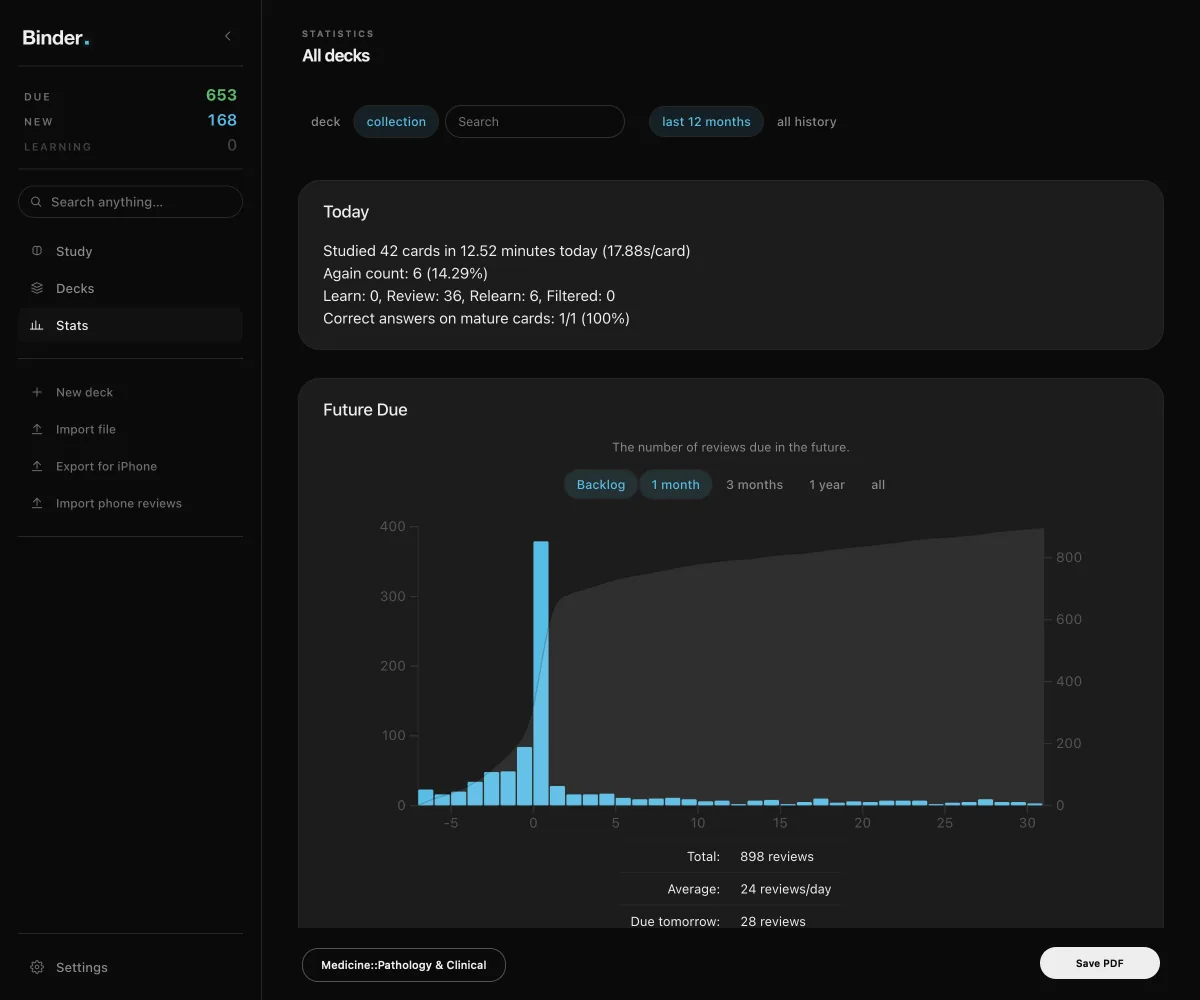
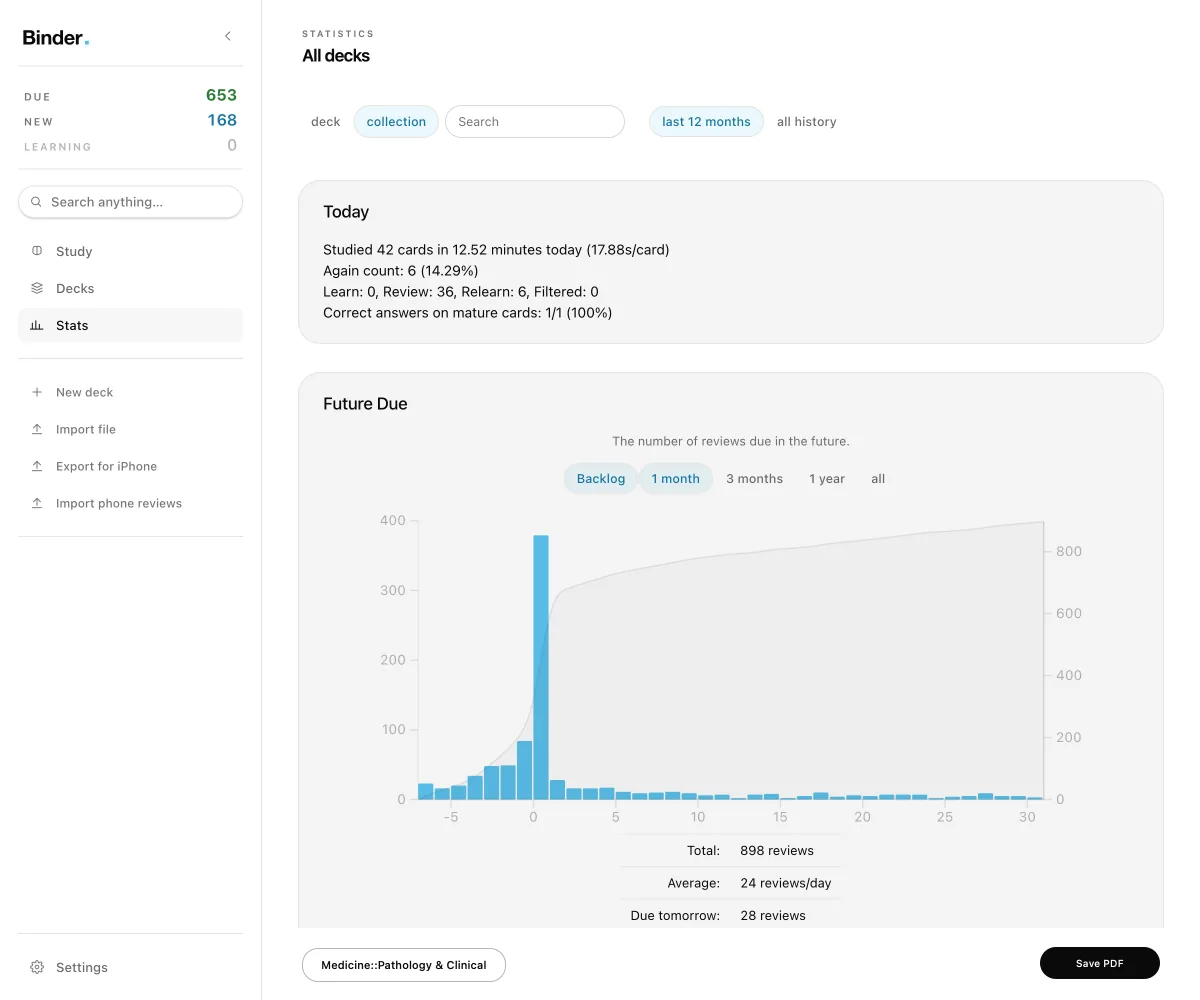
Binder is a flashcard app that opens your existing deck files. One window holds everything: study, decks, Browse, Add and Stats.
- Exam-deadline pacing. Set an exam date on a deck and choose what happens after it: pause or keep reviewing.
- Shared FSRS optimizer. One FSRS parameter set fit on your whole collection and written to every preset. It re-fits weekly once enough new reviews exist, never moves due dates, and has a live dashboard in Settings.
- Restudy. Right-click selected cards, tags or decks in Browse to study exactly those cards in one filtered deck. Answers count toward their real schedules.
- Command palette. Search decks, cards, tags and actions from one box.
- Browse, Add and Stats in the window. No separate floating windows for the everyday tools.
- Light, dark or system theme. Pick an accent color. A scene or video backdrop behind the deck list is optional.




Who it is for
- Pre-med students and MCAT test takers who study from card decks, including the StudyStore MCAT packs.
- Any student who already has flashcard decks and wants a different interface and a deadline-aware schedule.
Opens your existing deck files (.apkg and .colpkg)
Import .apkg and .colpkg files, and plain text files, with Import file in the sidebar. Binder keeps its own data folder, separate from other flashcard apps, so trying it does not touch an existing collection.
System requirements
- Mac. macOS 13 (Ventura) or later on a Mac with Apple Silicon (M1 or later). Intel Macs are not supported in this release. The download file is
qbank-1.0.0-mac-apple.dmg.
How to open
Version 1 is not signed with an Apple Developer ID, so macOS blocks the first launch. This is expected. Open it once like this:
- Open the DMG and drag Binder to Applications.
- In Applications, right-click Binder and choose Open, then choose Open in the dialog.
- On macOS 15 and later, if there is no Open button, double-click Binder once, then go to System Settings, Privacy and Security, scroll to the message about Binder and click Open Anyway. Confirm with your password.
After that it opens normally.
Price and updates
$29 one time, with one year of updates. The purchase includes a license key and the download, delivered by Polar.